Bring your clients, sites, jobs, quotes, invoices, purchase orders and timesheets across from AroFlo. Nothing in AroFlo changes.
Before you start
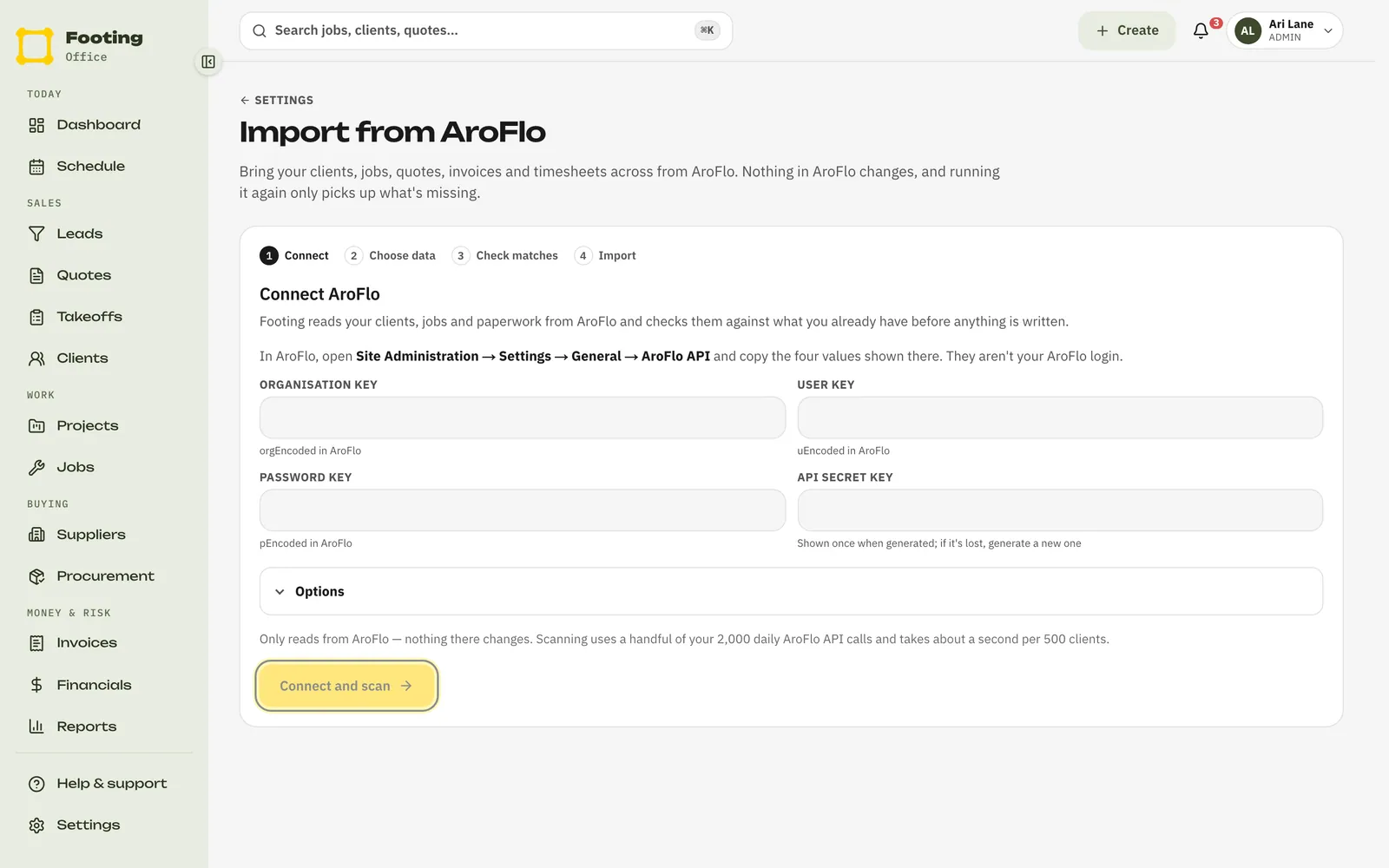
You need four keys from AroFlo. They aren’t your AroFlo login. In AroFlo, open Site Administration → Settings → General → AroFlo API and copy the four values shown there.
Admins and office staff can run an import.
Import your data
Go to Settings, then Imports.
You’ll land on Import from AroFlo. The steps across the top are Connect, Choose data, Check matches and Import.
Paste in the Organisation key, User key, Password key and API secret key. Click Connect and scan.
AroFlo calls the first three orgEncoded, uEncoded and pEncoded. Footing then reads AroFlo and counts what’s there. Each area shows Read when it’s done. Click Stop if you need to.
Pick what to bring across.
Tick Clients and sites, Jobs and timesheets, or Quotes, invoices and purchase orders. Anything these need comes too, so a job never arrives without its client.
If you see Check matches, click it and check each match.
This shows AroFlo clients, suppliers and staff that look like ones already in Footing. For each one, pick Link to join them up, or Create new to make a second record. A match on the same ABN or email is set to Link for you. A match on name only shows under Needs a look, so check those first.
Click Start import.
The import runs in the background. You can leave the page, or close it, and it keeps going.
While it runs, and after
- Come back to Settings → Imports to see how far it’s got, one row for each kind of record.
- Need to stop it? Click Cancel import, then Cancel import again to confirm. Everything already brought across stays in Footing.
- When it’s done, you’ll see how many records were Created, Linked, Skipped and left To check.
- Anything under Didn’t come across shows the reason. Fix it in AroFlo, then run the import again. It only picks up what’s missing, so nothing doubles up.
- Earlier imports are listed under Earlier imports. Click one to see its results.
Other tools
Footing can only import from AroFlo today. Coming from another tool? Add your clients and jobs in Footing as you go, and invite your team.
Related guides
Still stuck? Email support@folkware.com.au and tell us what you were trying to do.